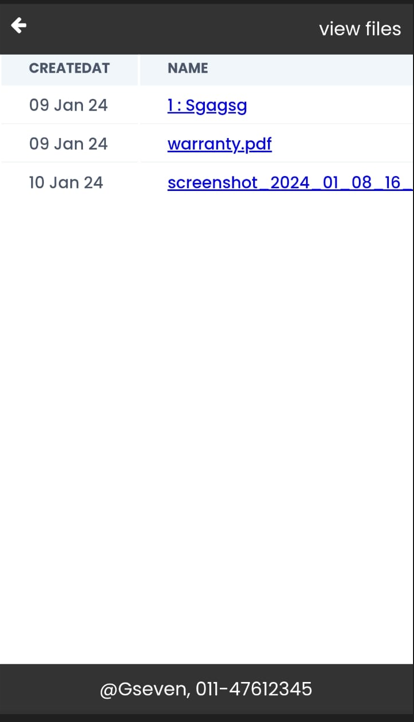
Upload and View Files
open entry in tally
scan the qr code on any entry from any mobile device, or click on the open button on tally
There are 2 options for you to upload,either you can upload to your personal google drive or you can upload to our storage.
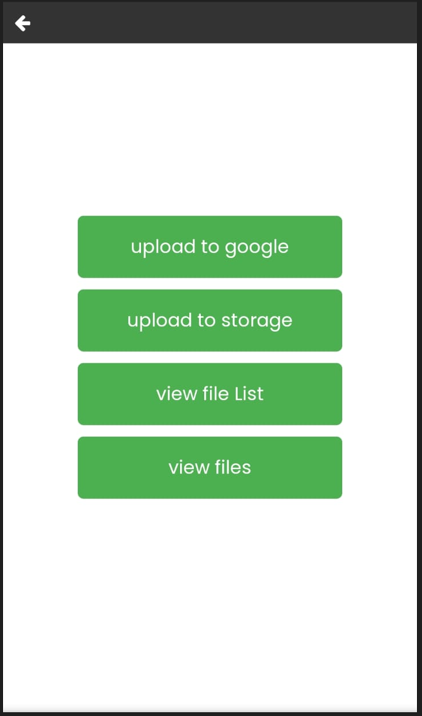
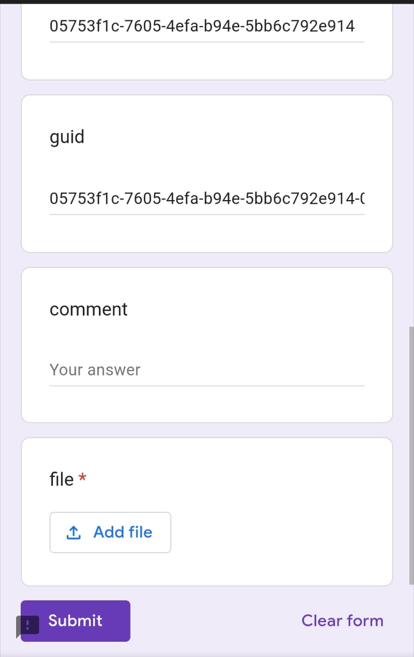
Upload to google
You can directly upload to your google drive: (this will not consume any storage on our server and google drive storage will be used)
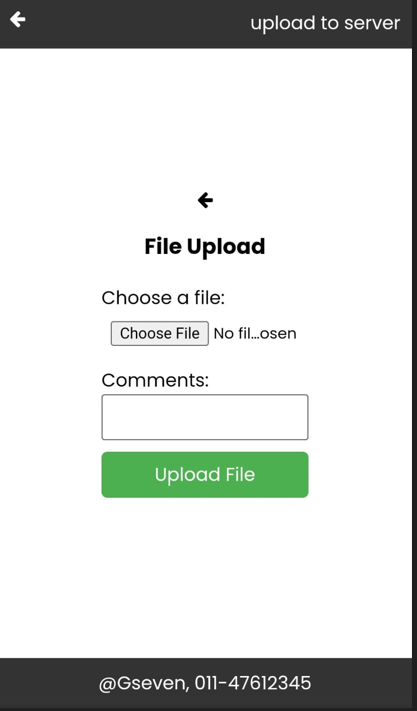
Upload to our server
This will count towards the storage used on our servers.
Preview files added to a entry,
Files saved on google drive will only be visible to people who have access to the google drive
Files saved on our servers will be visible through a temporary token that will expire in 24hours
You can copy and share this temporary link with anyone.
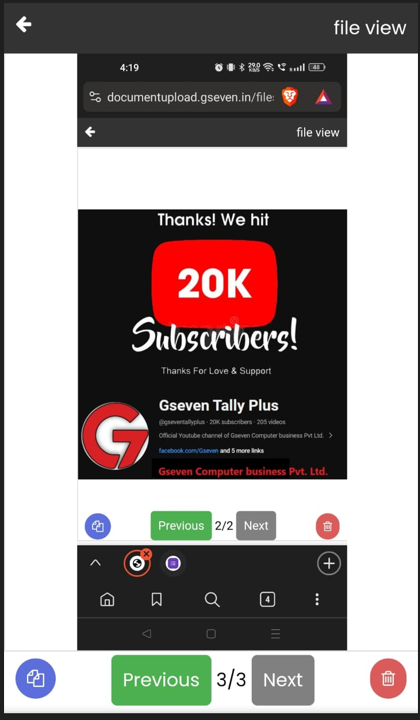
You can also see a list of all the files attached to the entry